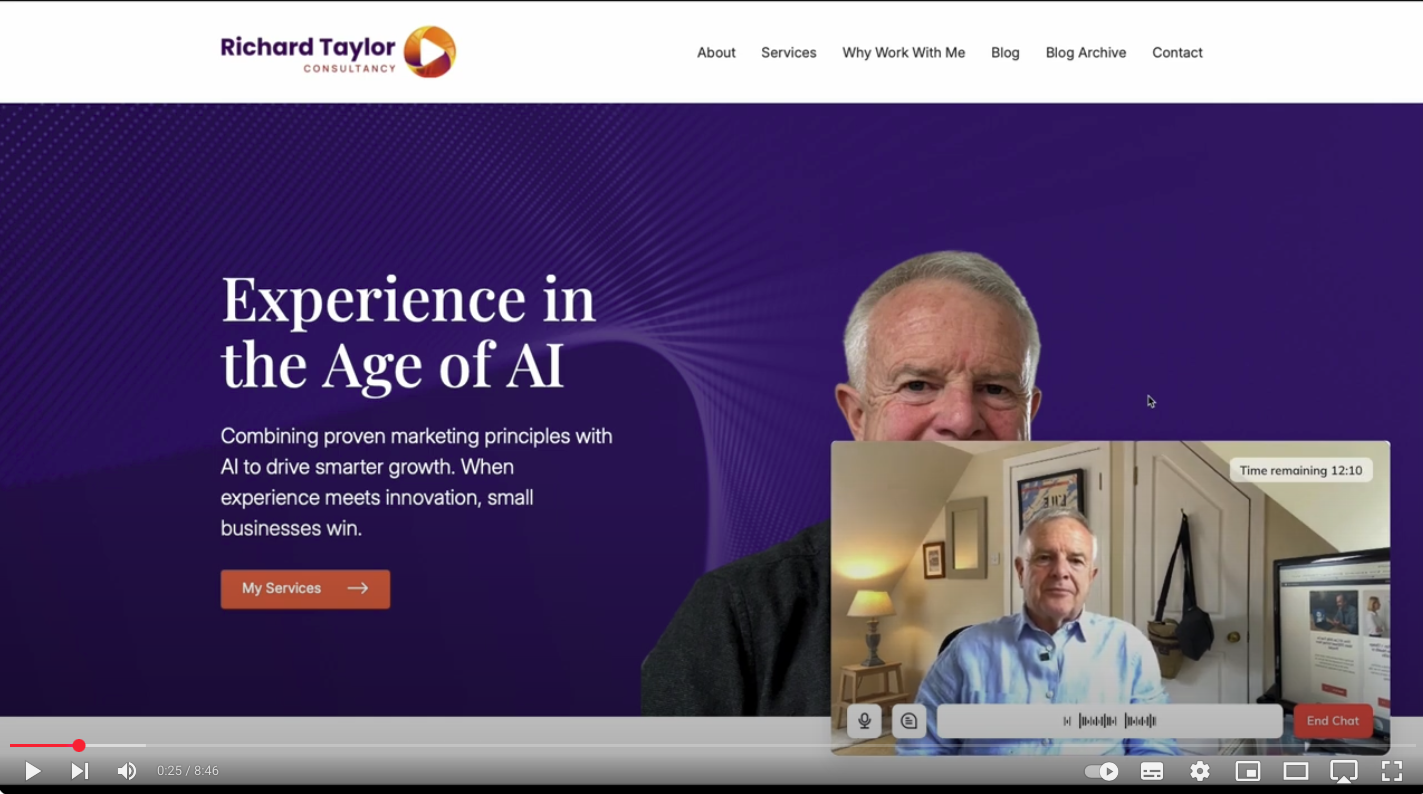
If you’ve ever wondered how I built my own AI avatar chatbot – one that actually looks and sounds like you – then this video is for you. Recently, I added my own interactive avatar chatbot to my website. It appears across every page and allows visitors to ask questions about marketing, AI, and how I work. Best of all, it replies in my own voice and tone. Here’s a video of how I built it – no code required. It’s a step by step walkthrough of each stage of the process including some of the tips I learned along the way. And there’s a summary included below too. It’s only just over 8 minutes long but could save your business hours.
The Tools I Used
I combined two AI tools:
-
HeyGen – to create and manage the visual avatar. You need a subscription which is $29 (£21) per month.
-
ElevenLabs – to clone my voice (and make it sound natural). You also need a subscription which is $22 (£16) per month.
I started by recording a short two-minute video on my phone. Just some natural listening and speaking, using decent light and a plain background. HeyGen turned that into an animated avatar within 24 hours.
Next, I used ElevenLabs to create a more lifelike voice. It only took around an hour of recorded speech, and once integrated with HeyGen using an API key, the result was remarkably close to how I actually look & sound. The lip sync is very good.
Giving the Chatbot Its Knowledge
To make the chatbot helpful (and relevant), I created a Knowledge Base: a structured set of answers to common questions asked by small business owners and marketing managers. I used ChatGPT to speed this up, drawing from content I’d already created. This ensures the bot replies confidently and concisely, using my tone and experience.
Embedding It on My Site
HeyGen provides a snippet of code to embed the chatbot on any website. You can also share it via a link or even include it in your email signature. I’ve embedded mine on every page so visitors can ask questions any time – even when I’m not around.
If you’re a small business owner curious about AI, this is a brilliant starting point. It’s not just a gimmick it’s a practical way to engage people and demonstrate what’s possible with today’s tools. And I think that the cost is very modest compared with the time it would take if you had to answer all the questions that get asked to your chatbot.
And if you’d like help on how I built my own AI avatar chatbot – or just want to ask what it’s like – feel free to get in touch.

